
Make analysis reproducible
Make a result repeatable by keeping its query, source scope, coordinate system, and data definitions together. Matching a table name is not enough: two tables can have the same name and different features, filters, or units.
Set the analysis coordinate system
Section titled “Set the analysis coordinate system”- Open the database you will analyze. In Settings > Map, find Analysis projection for this database.
- Choose the appropriate projected coordinate system. For a custom definition, choose Custom coordinate system and enter an EPSG or ESRI code, WKT, or a PROJ CRS string.
- Use Save coordinate system if you want to reuse a named custom definition. Northing validates it before saving.
- Run your analysis and inspect the output table’s Properties. Measured in records the coordinate system used to generate measurements.
- Save the query or recipe and record assumptions in Settings > Data notes.
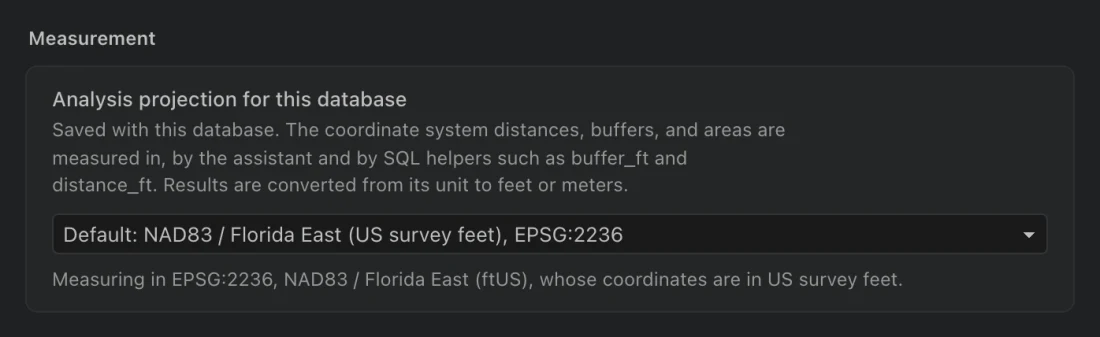
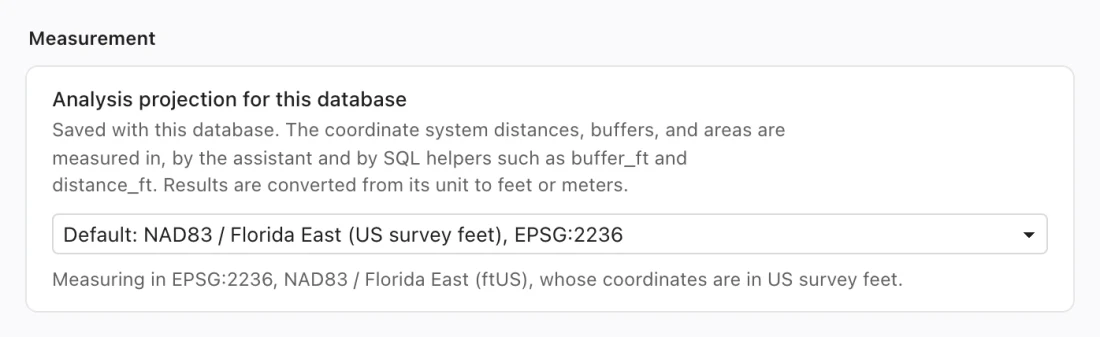
Each database stores its own analysis projection. Switching databases restores that database’s setting. A new database uses the app preference as its initial value; changing another database later does not change the coordinate system recorded with existing measurements.
Analysis projections need supported linear units and cannot be Web Mercator. The map’s display coordinate system and a measurement coordinate system serve different purposes. Use a suitable local projection for distances and areas and verify a known result before distributing measurements.
Preserve what produced the result
Section titled “Preserve what produced the result”Generated analysis tables retain the projection used for measurements even if the database setting later changes. Renaming, duplicating, or restoring a table snapshot carries that metadata. A new projection setting does not recalculate an old output.
Named custom coordinate systems are stored with the database. Existing names are not silently replaced. Definitions cannot refer to external files. The bundled coordinate-system database works without network access, while vertical conversions may require explicitly obtained grid data.
Field project packages carry named coordinate systems, the database analysis projection, processing provenance, and installed vertical grid data and hashes. This lets a recipient retain the selected transformation rather than unknowingly choosing another one.
Review a shared map’s tables
Section titled “Review a shared map’s tables”- Copy the team map into your database. Open Show the tables it needs from its actions if you need to revisit the review.
- Inspect Ready, Different, and Missing entries. Read the source, import filter, required fields, and CRS for each dependency.
- For an ArcGIS source you can access, choose Import from recorded source. Northing uses an available table name when the original name is already occupied.
- For an intentional substitute, choose a compatible local table and select Use this table. If the source is a file, import it first.
- Finish the review, then inspect the map and any linked panels with the resolved data.
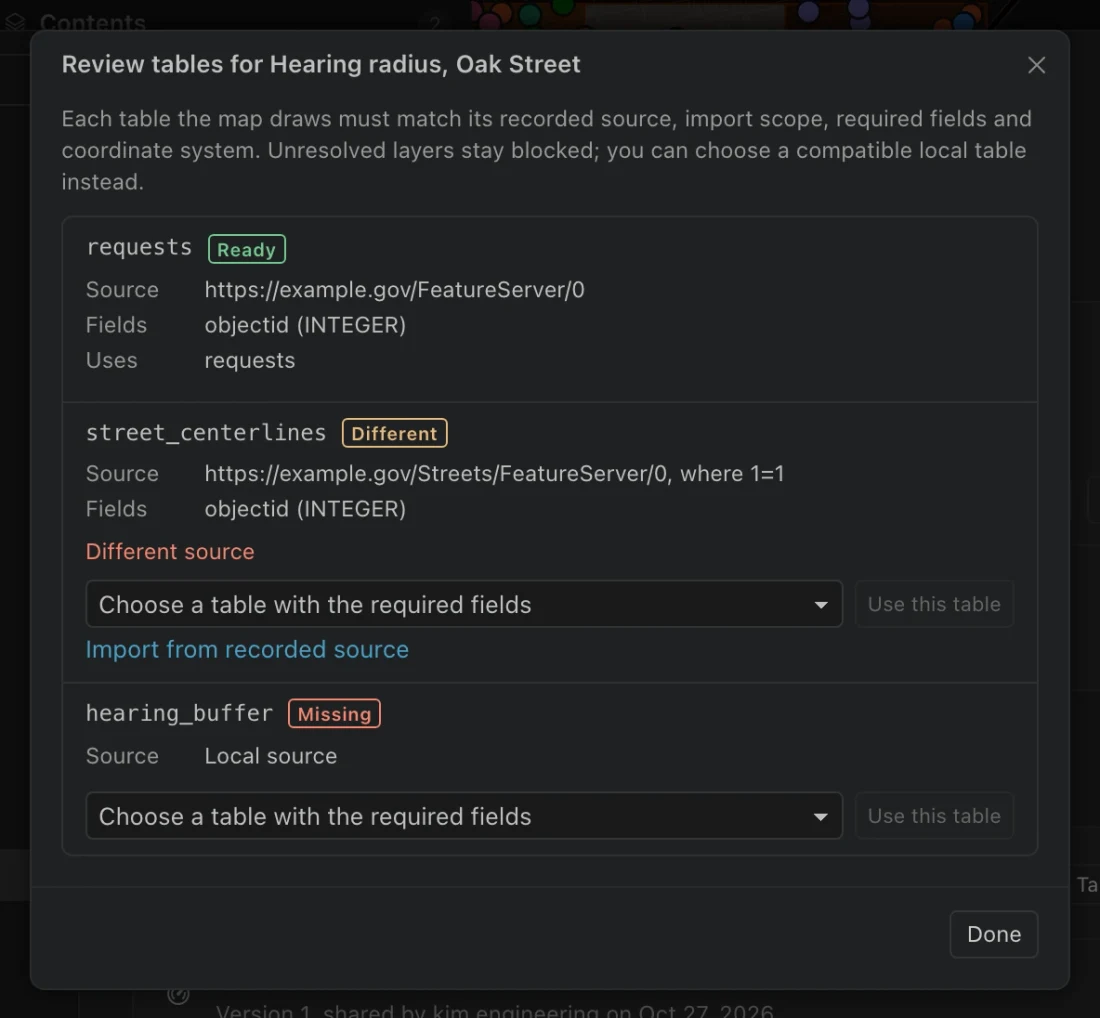
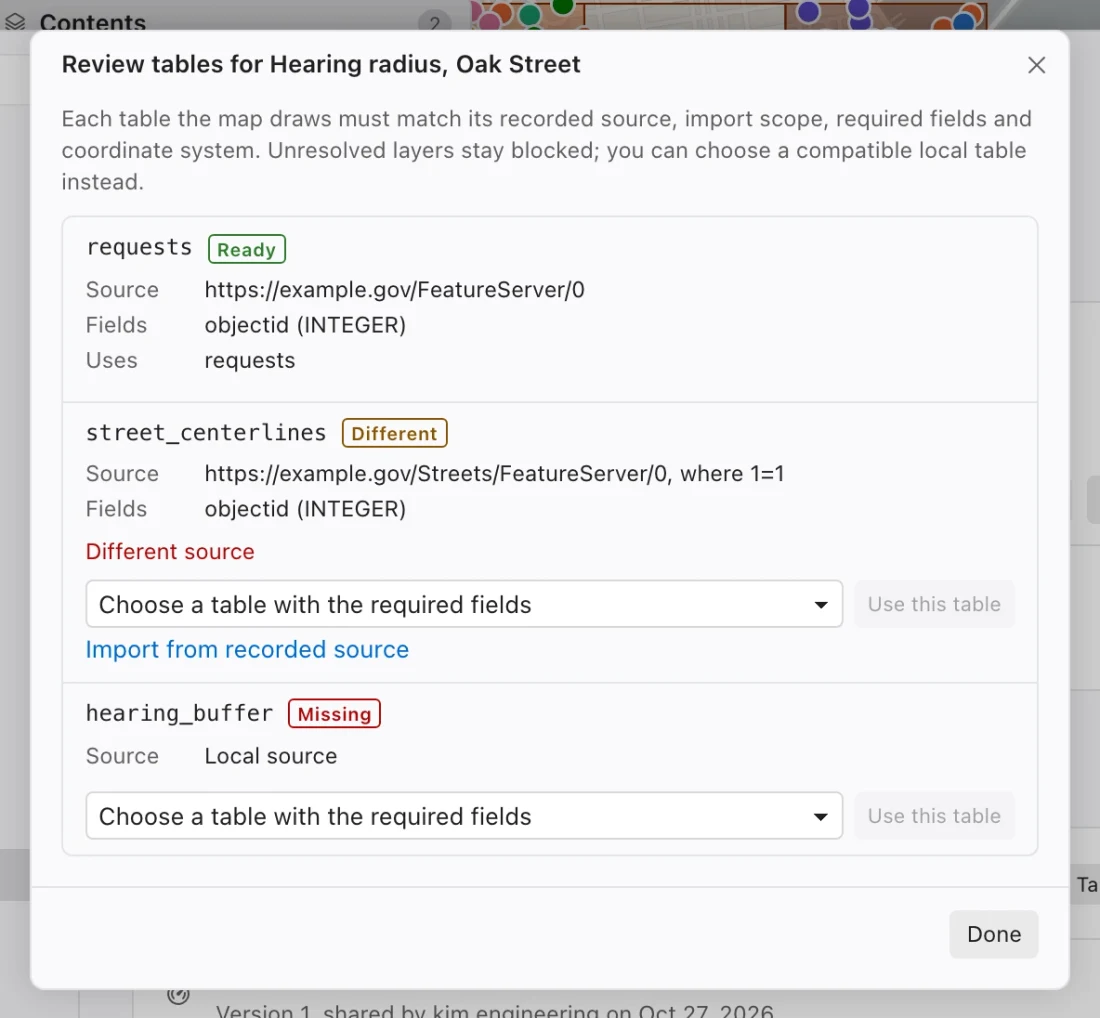
The review compares source identity, download scope, required field names and types, and coordinate system. A same-named table from another service is Different. Older maps without complete requirements and local tables without a recorded source require an explicit choice.
Layers remain unavailable until you resolve their data requirements. Your dependency decisions are stored locally for both folder and portal maps, so the review remains available offline.
Record the meaning as well as the query
Section titled “Record the meaning as well as the query”In data notes, identify authoritative sources, explain units and codes, state the intended coordinate system, and record rules the team should follow. Include the time period and source filter in your deliverable’s description. A query can be repeatable and still answer a different question if the source refreshed or the imported scope changed.
For a handoff requiring the actual rows, send a reviewed field package or data export. For a design that should read each analyst’s local data, share the map and resolve its dependencies. For repeated processing, use a recipe and inspect its outputs and job history.