
Geocode addresses
Use geocoding to turn address records into a new local table with the source columns, match information, and point geometry, using a locator from your signed-in portal. To find an address that already has coordinates in your database, use Find.
Geocode a table
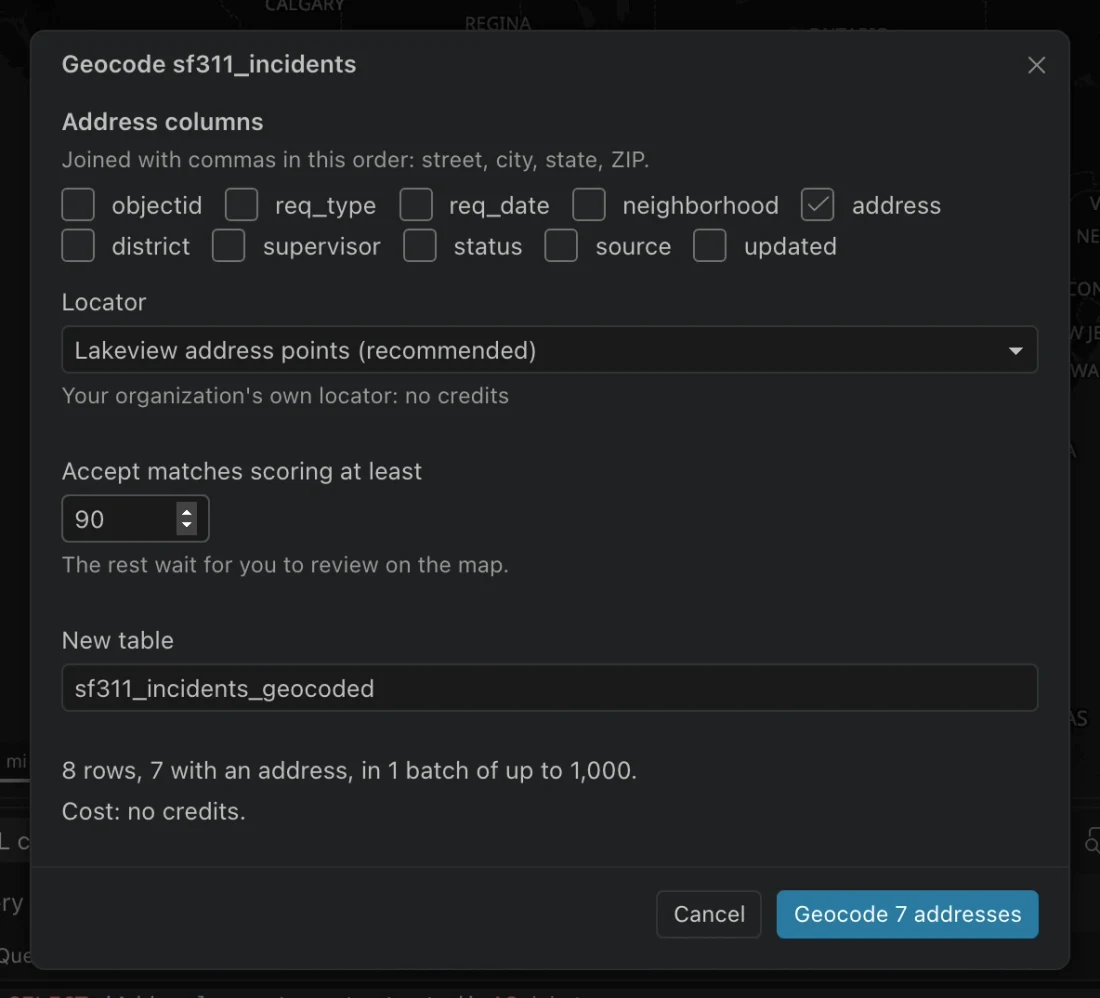
Section titled “Geocode a table”- Sign in to a portal that provides a locator allowed to geocode tables.
- In the table’s actions, choose its geocoding command. You can search for
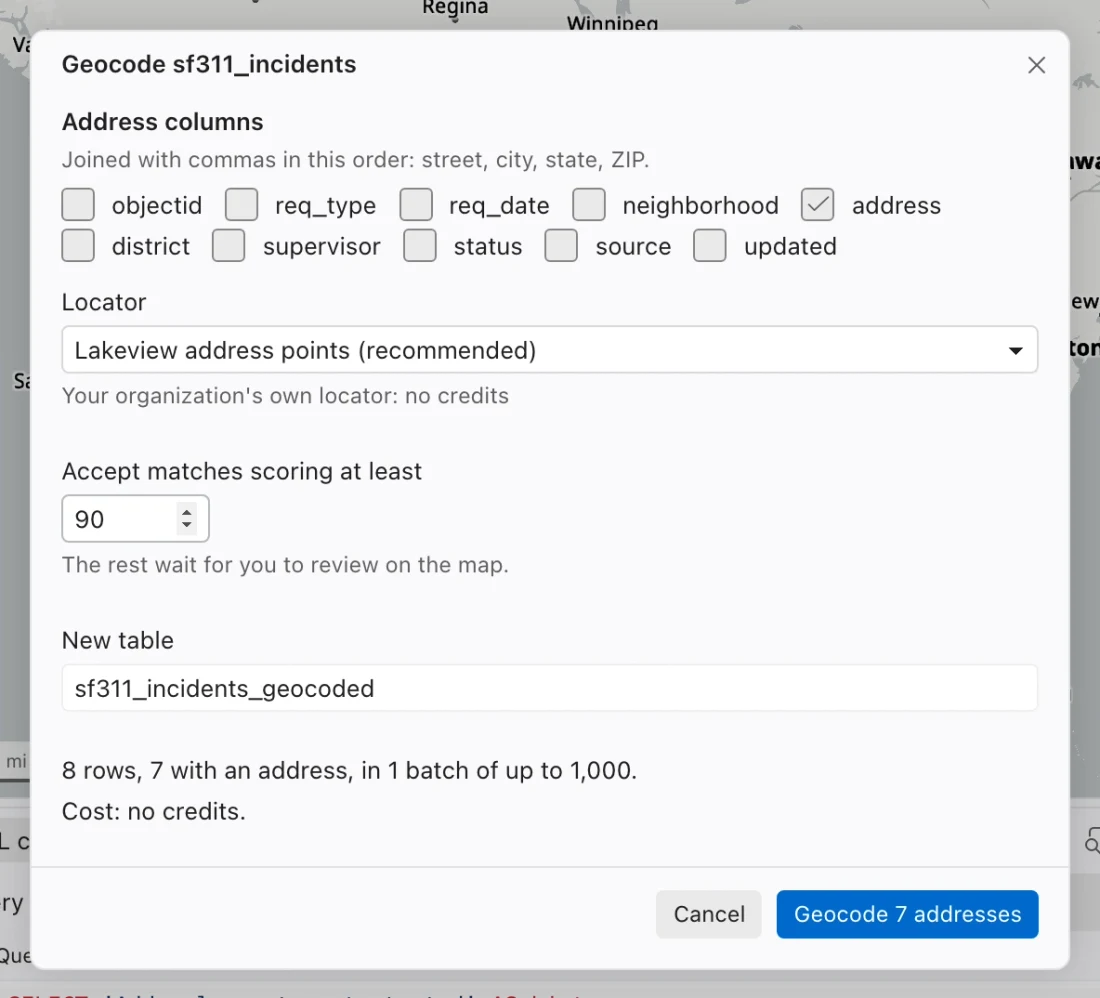
Geocode the addresses infollowed by the table name in the command center. - Choose Address columns in street, city, state, and ZIP order. They are joined with commas to make a single address line.
- Choose Portal if more than one is available, then Locator. Northing prefers an eligible organization-owned locator.
- Set Accept matches scoring at least. The default is 90. Enter a unique New table name.
- Review the address count, credit estimate, and any privilege blocker. Choose the Geocode button showing the number of addresses when ready.
- Open the review tab and resolve uncertain matches before using the points in analysis.
Understand credits and permissions
Section titled “Understand credits and permissions”An organization-owned locator can geocode tables without ArcGIS World Geocoding credits. The World service uses stored geocoding for results that remain in a table, and requires the Geocoding (stored) privilege.
Northing’s estimate uses 40 credits per 1,000 stored addresses for the World service. A World-service candidate search in the review tab is estimated at 0.04 credits per search. Read the estimate shown for the selected locator before starting, including when carrying on an interrupted run.
Geocoding sends address values to the chosen locator. You need a connection to that service. If the dialog reports no locators or a privilege problem, check the portal connection and locator configuration with your GIS administrator.
Review uncertain results
Section titled “Review uncertain results”Matches meeting the score threshold are accepted automatically; the others wait for review. In To review, select a row and compare the source address, proposed address, score, match type, and map position.
| Action | Use it when |
|---|---|
| Accept match | The proposed coordinates and matched address are correct. |
| Find candidates | Another locator result may fit better. Correct the review address text before searching if needed. |
| Place on map | You know the location and want to place the point manually. |
| Leave unmatched | You cannot confirm the location. |
Choosing a candidate or clicking the map resolves the row using that location. Settled and Matched let you inspect resolved and automatically matched records. Inspect a sample of automatic matches too, since a high score can still place an address incorrectly.
Use the output table
Section titled “Use the output table”The output normally starts with the source name followed by _geocoded. It includes the source columns plus geocode_status, match_score, match_address, match_type, match_lon, match_lat, and geom.
The job writes batches as they return. If stopped, it can carry on from rows without a status rather than geocoding completed rows again. Inspect the job and review counts before exporting to check whether any rows remain unfinished.
You can join, export, or publish the resulting table like other local data. Retain match fields when someone else needs to assess how the coordinates were assigned.