
Quality checks
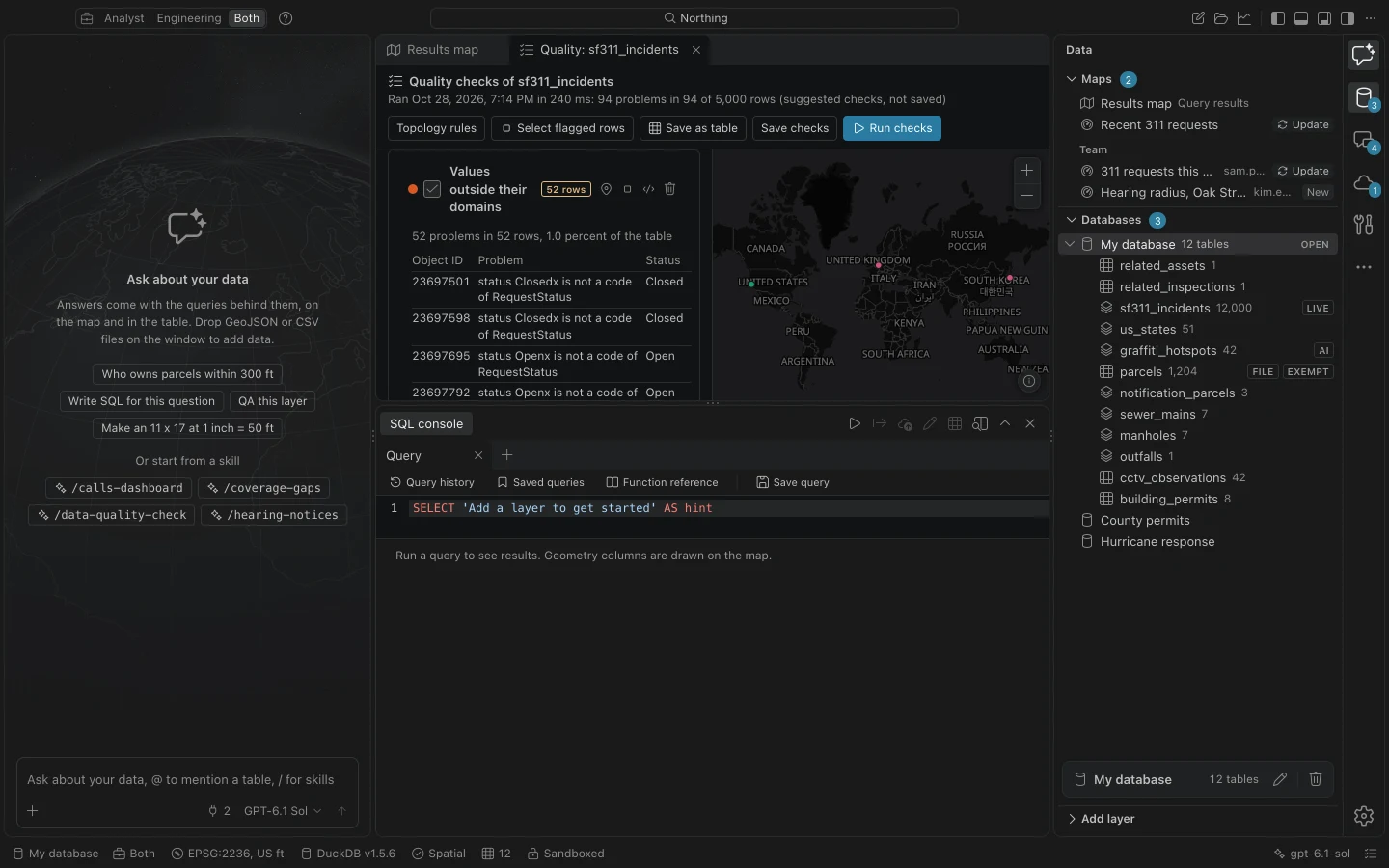
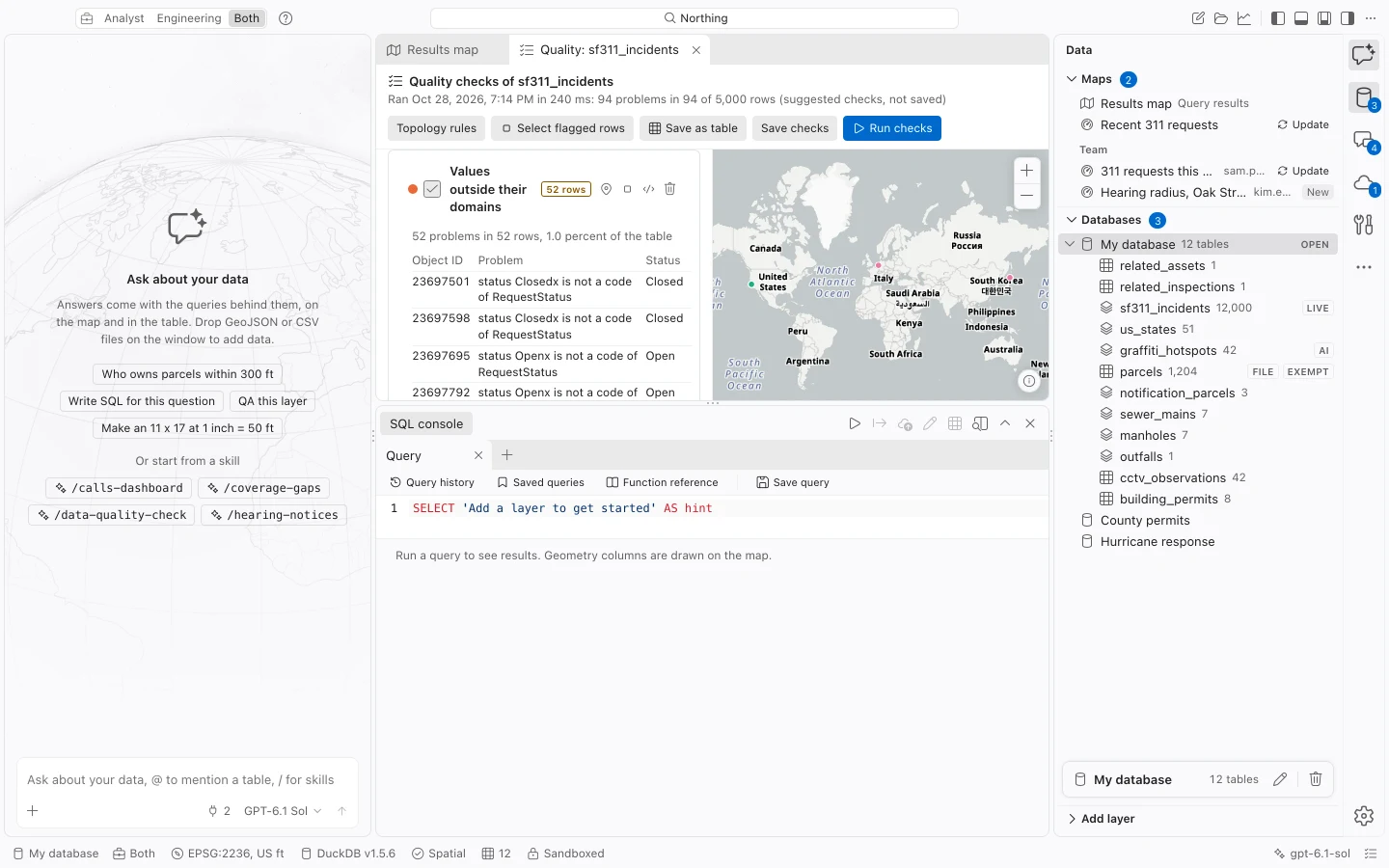
Run quality checks before publishing, pushing edits, or using a layer in analysis to get counts, example records, and a map of problems in your local workspace database. Checks leave source features unchanged unless you apply a repair.
Check a table
Section titled “Check a table”- Find the table in Data and choose its quality-check action. In the command center, search for
Check the quality offollowed by the table name. - Review the suggested checks. Configure fields, comparison tables, and distances to match the dataset’s actual requirements.
- Choose Save checks to retain this set for the table.
- Choose Run checks. Follow the run in Jobs.
- Inspect each check’s count, breakdown, and sample rows. Use its map control to focus on those features.
- Choose Select flagged rows, Save as table, or Open its query in the console to investigate the findings.
Available checks
Section titled “Available checks”| Check area | What you can test |
|---|---|
| Attribute rules | Coded and range domains, including subtype-specific domains; required fields. |
| Identifiers | Duplicates in one column or a combination of columns. |
| Geometry | Missing, empty, invalid, or zero-coordinate geometry. |
| Location | Features outside a boundary or far from the rest of the layer. |
| Line connectivity | Ends outside the allowed distance from other line ends or vertices, including additional line tables. |
| Point-to-line proximity | Points farther than the allowed distance from a chosen line table. |
| Utility connectivity | Problems recorded by the table’s utility-network build. |
Set tolerances in the units shown. A domain check uses the schema saved with the imported layer; if the layer has no domain definition, check allowed values against your organization’s requirements.
The map displays the first 20,000 flagged features. Use the reported counts and queries to investigate the full result. A check marked Could not run or Nothing to check is different from OK. A previous result can become stale after edits; rerun before treating it as current.
Validate topology
Section titled “Validate topology”Open Topology rules from the table menu or Quality checks. Topology checks relationships between geometries, such as polygon overlaps, enclosed gaps, line dangles, endpoint coverage, and points that must be strictly inside an area.
- Create or choose a Saved rule set and give it a Rule set name.
- Use Add a rule. Choose its source table, covering table if required, and tolerance in feet. Only rules compatible with the geometry type are offered.
- Choose Save rule set. Set Validation extent to The whole extent or The error map’s extent.
- Choose Validate and inspect the error map and list. Focus a rule’s map control to restrict the error list to that rule.
- Review each error before accepting an exception or preparing a repair.
Extent validation checks complete source geometry before filtering the resulting errors to the extent. The viewport boundary does not itself create a polygon gap. Gaps mean enclosed holes, not the unbounded area outside a coverage.
Accept exceptions or preview repairs
Section titled “Accept exceptions or preview repairs”An accepted exception records an Exception note, Reviewer, and timestamp. Its identity includes the rule and affected geometry, so it survives revalidation and attribute-only edits. Changed geometry can require a fresh decision.
Repairs include subtracting overlaps, filling gaps with a neighbor or new polygon, snapping or extending endpoints, trimming to an intersection, and splitting a self-intersecting line into parts. Available choices depend on the error.
Set Maximum repair distance in feet where required. This is the largest permitted movement, separate from the rule’s validation tolerance. Inspect Before and After in Repair preview, then apply only the intended result.
Repairs validate attributes, save a table snapshot, and record an undo entry. Tracked tables accumulate changes for later push. A changed source invalidates the preview; undo refuses to overwrite newer table edits.
Repeat checks in a workflow
Section titled “Repeat checks in a workflow”The assistant can run saved quality checks or topology rule sets. Recipes can include a Topology validation step and Fail step on topology errors to stop when unaccepted errors remain. The run history records counts, accepted exceptions, and the analysis CRS.
After repairing features, validate again to see which quality problems remain.