
Use the SQL console
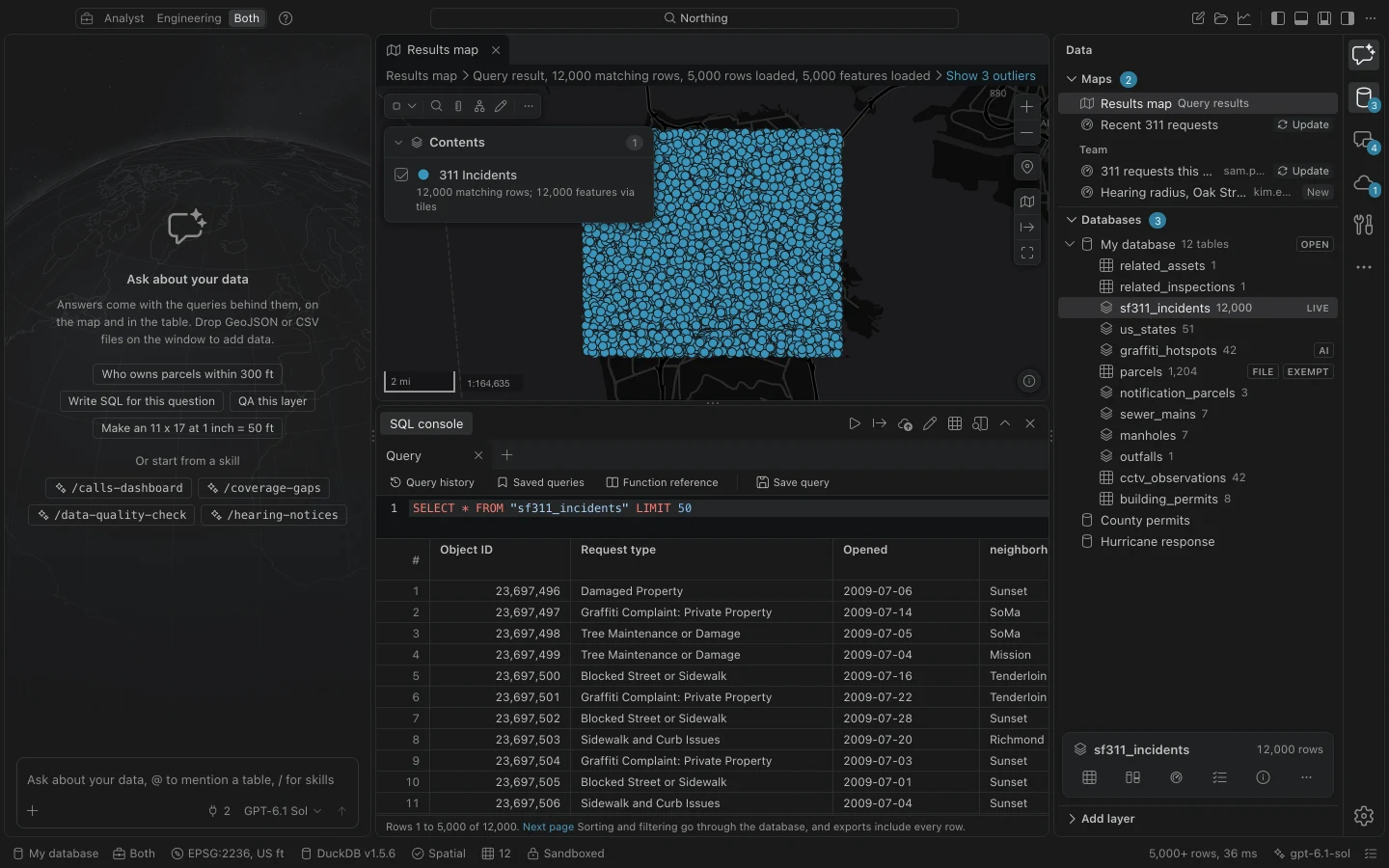
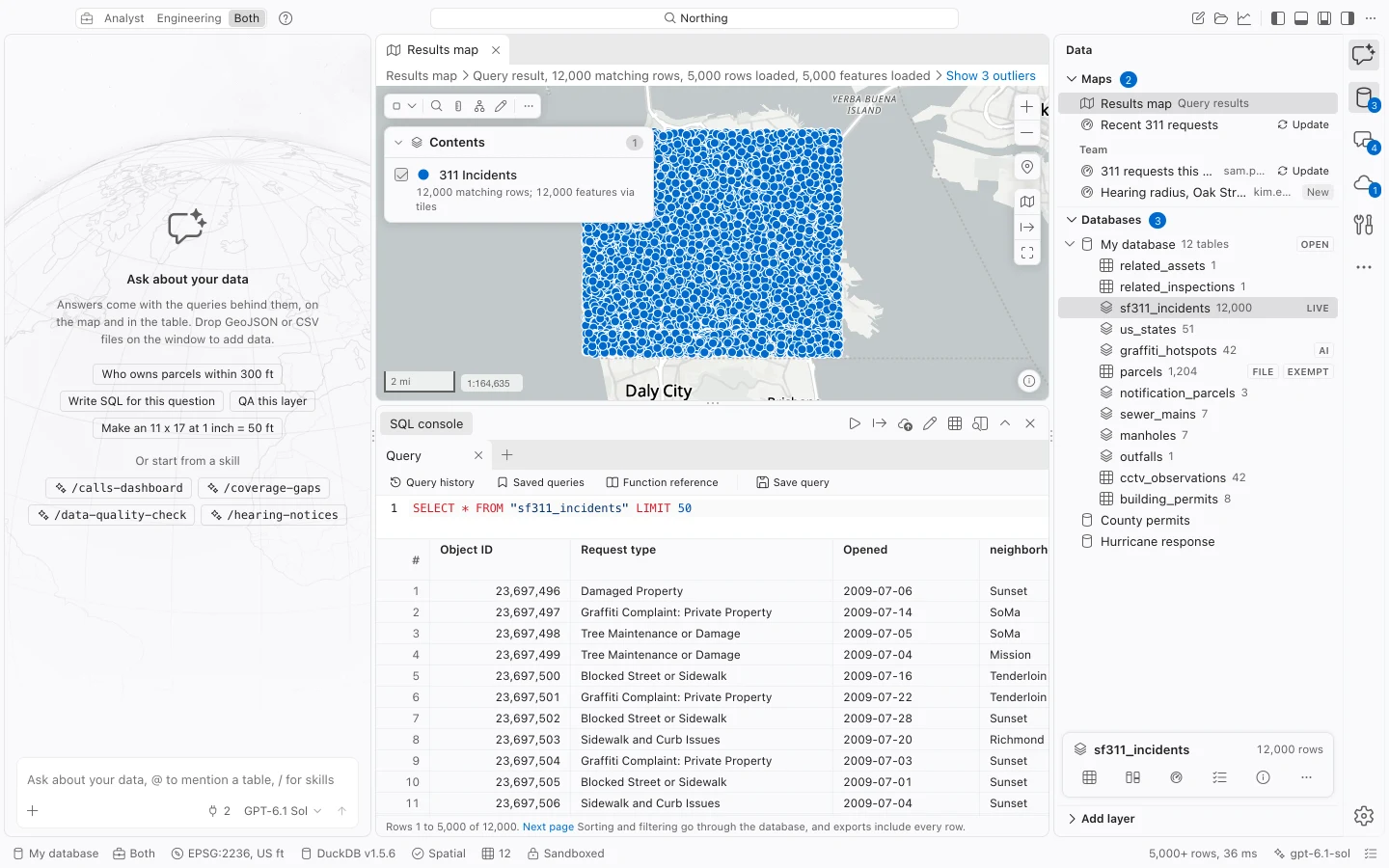
Use the SQL console to query your local workspace database, answer repeatable questions, and inspect the logic behind a result. Spatial results can appear on Results map as well as in the grid.
Run a first query
Section titled “Run a first query”- Load the sample data, then choose Show the SQL console in the command center if the console is closed.
- Choose New SQL tab and enter the query below.
- Choose Run the query or selection, or press Cmd+Enter on Mac, Ctrl+Enter on Windows. Selected SQL runs by itself; with no selection, the editor’s SQL runs.
- Inspect the result, then change the query and run it again. Check which tab and SQL produced the displayed rows before exporting them.
SELECT "ZONING", count(*) AS parcel_countFROM "sample_parcels"GROUP BY "ZONING"ORDER BY parcel_count DESC;This example groups sample parcels by zoning and returns counts. It does not include geometry, so it is a table result. To inspect parcel shapes, run SELECT * FROM "sample_parcels"; and open Results map.
Keep separate questions in tabs
Section titled “Keep separate questions in tabs”Each console tab keeps its own SQL and result. New SQL tab, Close SQL tab, and Reopen closed SQL tab are available in the command center. Tabs and drafts are retained per database across restarts, with a small preview of the last result.
The stored preview keeps at most the first 100 rows without shapes within a 1 MB budget. Rerun after reopening to load current rows and map geometry. Reopened closed tabs also need a rerun for their data. Save or discard pending table edits before switching results.
Drag the divider between the editor and grid to give SQL or rows more room. The split is retained across tabs and restarts.
Parameterize a repeated question
Section titled “Parameterize a repeated question”Use named parameters when you want to reuse a query with different values:
SELECT *FROM "sample_parcels"WHERE "PARCEL_ID" = :parcel_id;Run it and enter S-2-06 in the parameter form as a text value, without adding SQL quote characters. Northing binds the value separately from the SQL. Parameter forms support text, numbers, booleans, and NULL.
Parameterized queries must be single read-only queries. They can produce mapped geometry and support full-result sorting, filtering, and exports. To edit a table, open the whole table through its attribute-table command instead. Query history retains parameter values locally, so avoid using sensitive values unnecessarily.
Save and reuse SQL
Section titled “Save and reuse SQL”Choose Save query to give useful SQL a name, description, and the question it answers. Saved queries lets you search the library, open a query in a tab, edit it, or run it. Saved queries are reusable instructions; their results change as the underlying data changes.
Query history records submitted SQL, timing, row count, and errors. Open a previous entry to inspect what actually ran before repeating it. History can include a transactional batch as well as a single statement.
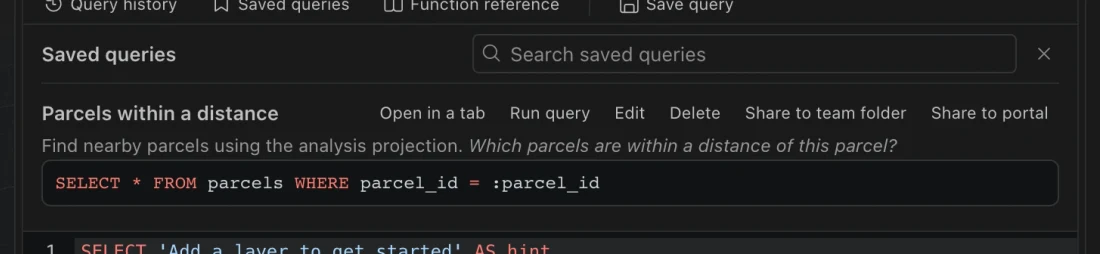
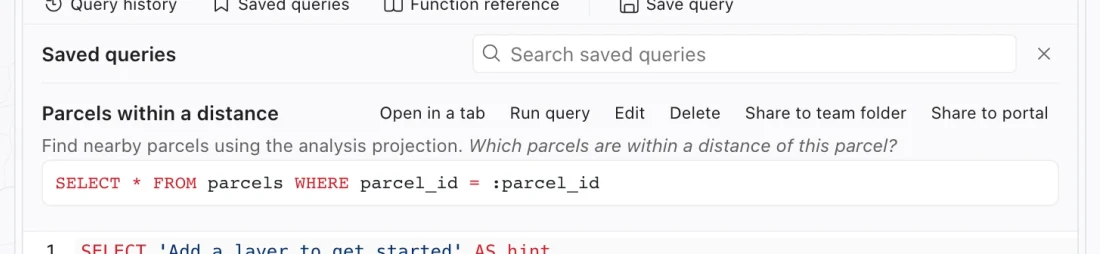
A renamed table does not automatically rewrite saved-query or history text. Check referenced names when reopening older SQL. Sharing a query also requires the recipient to have suitable tables and fields; a query is not a copy of its input data.
Understand errors and helper tools
Section titled “Understand errors and helper tools”Errors with a source position are marked in the editor. Check the table and field names first, then types and SQL syntax. Function reference searches available spatial functions and unit helpers and can insert an example at the cursor.
Fix this query sends the failed SQL and error to your configured assistant. It proposes a correction without running it. Review the suggestion, choose Insert corrected query if appropriate, and run the SQL yourself. Organization policy can withhold SQL from a model, which disables this repair option.
EXPLAIN displays a plan for a read-only query. EXPLAIN ANALYZE runs the read-only query to collect execution information, so it can still take time on a large dataset.
Queries, writes, and exports
Section titled “Queries, writes, and exports”The console can also run local write statements. Review the target table and affected rows before using them, and make a backup before substantial changes. Field rules apply to value writes; invalid values roll back the batch. Console access is broader than the assistant’s read-only query path.
Result exports use the full query and bound parameters, including active grid filters and sorts. A LIMIT clause still limits the result because it is part of your SQL. The number of visible rows alone does not determine the export size.