
First run
Your first session can stay entirely local. Choose a workspace, load the made-up Sampleton data, and run the supplied query before connecting your own GIS data.
Complete the getting started guide
Section titled “Complete the getting started guide”- Answer What do you mostly do here? with Analyst, Engineering, or Both. Analyst puts analysis tools first; Engineering gives map and sheet work more prominence. You can change this later.
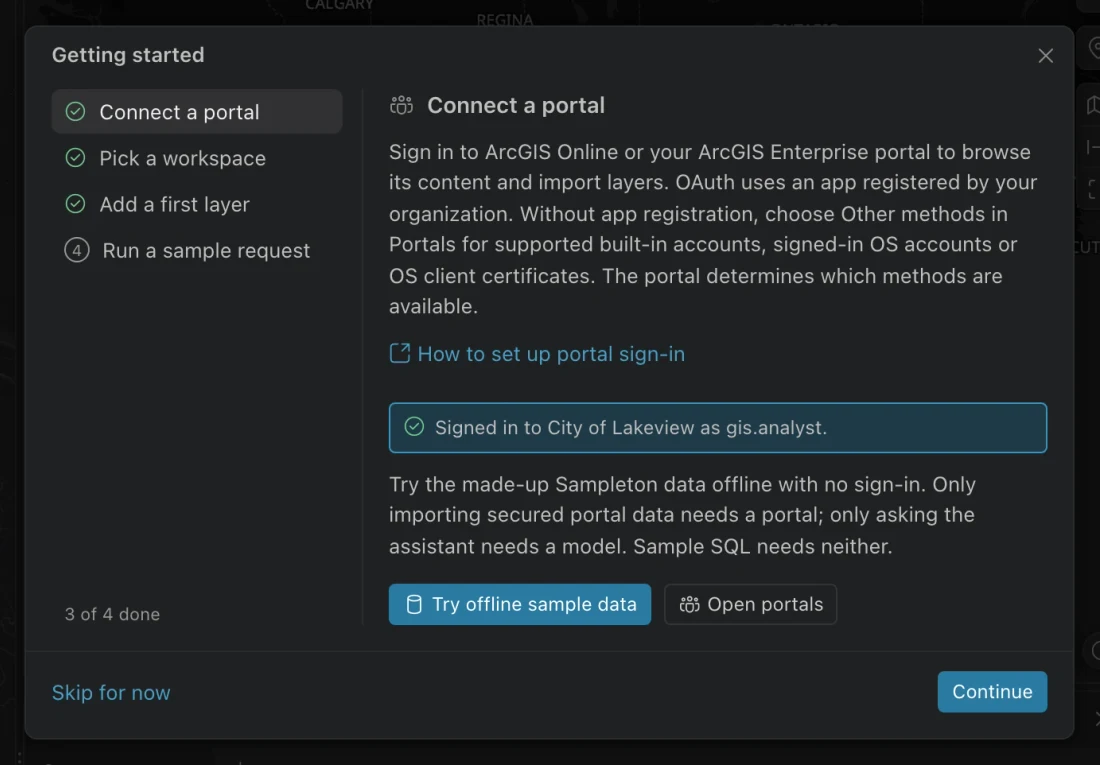
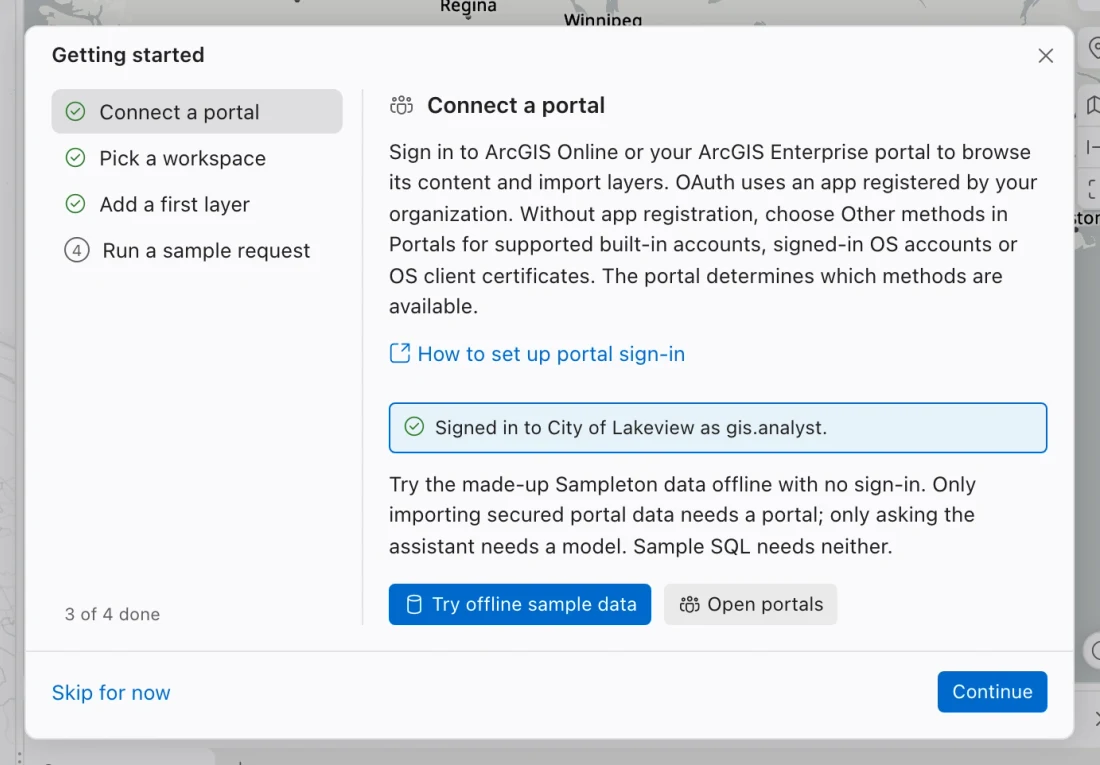
- In Getting started, choose Try offline sample data. If the guide is closed, open the command center and choose Show the getting started guide.
- Choose Try the sample data. Northing adds parcel and address tables to your local database and advances to Run a sample request.
- Choose Run it as SQL. Review the query, returned rows, and parcels on Results map. No model or portal sign-in is needed.
- Return to the guide and choose Finish when you are done. You can reopen it whenever you need the setup steps.
Start with your own data instead
Section titled “Start with your own data instead”Use a small, familiar test layer. In the guide, Open portals takes you to portal connections. After you sign in, the guide returns. At Add a first layer, choose Import from a portal or Add a layer by URL. The URL route opens the Data view; expand Add layer there.
A pull downloads a local copy into the workspace database. Check the imported row count against the source, then review the coordinate system and warnings before using the data.
Choose Pick a workspace in the guide to revisit your layout choice. Use this workspace saves the displayed choice when the step still needs completion. An organization policy may choose the initial workspace for you, so the first question may not appear.
Find your way around
Section titled “Find your way around”| Area | What you use it for |
|---|---|
| Data | Browse databases, tables, and saved maps; add a layer. |
| Portals | Connect to ArcGIS Online or Enterprise and browse portal content. |
| Results map | See the latest spatial query and layers you keep for reference. |
| SQL console | Read or edit SQL and inspect its results. |
| Assistant | Ask questions after connecting a model. |
If you cannot see the console or assistant, use Show the SQL console or Show the assistant in the command center. Smaller windows start with these panels collapsed. Focus map temporarily gives the map more room; toggle it again to return to the previous arrangement.
Pause and resume setup
Section titled “Pause and resume setup”Skip for now closes the guide without requiring a connection. The guide remembers completed steps, and Show the getting started guide brings it back. You need a portal connection for secured data and a model connection for assistant requests.
For a fully offline map, choose a blank or local basemap in Settings. The sample records and SQL are local, but an online basemap still needs a network connection.