
Field packages and as-built review
A field project package is a .northing file containing selected local tables and maps for another computer or offline session. It carries data and its supporting metadata, while team sharing primarily exchanges reusable designs and instructions.
Export a field package
Section titled “Export a field package”- Save your edits and resolve pending pushes or branch sessions. Open Export field project package from the command center.
- Select the Tables and Saved maps and layouts the recipient needs. Include both ends of relationships you want to preserve.
- If needed, select Include cached and staged attachments, record drawings and inspection reports.
- Review the sensitivity tags. Exporting Internal or Exempt tables requires the explicit confirmation in the dialog; CJI tables cannot be packaged.
- Choose Export package and a new filename. Review In the package and Left out or needs a connection before handing it over.
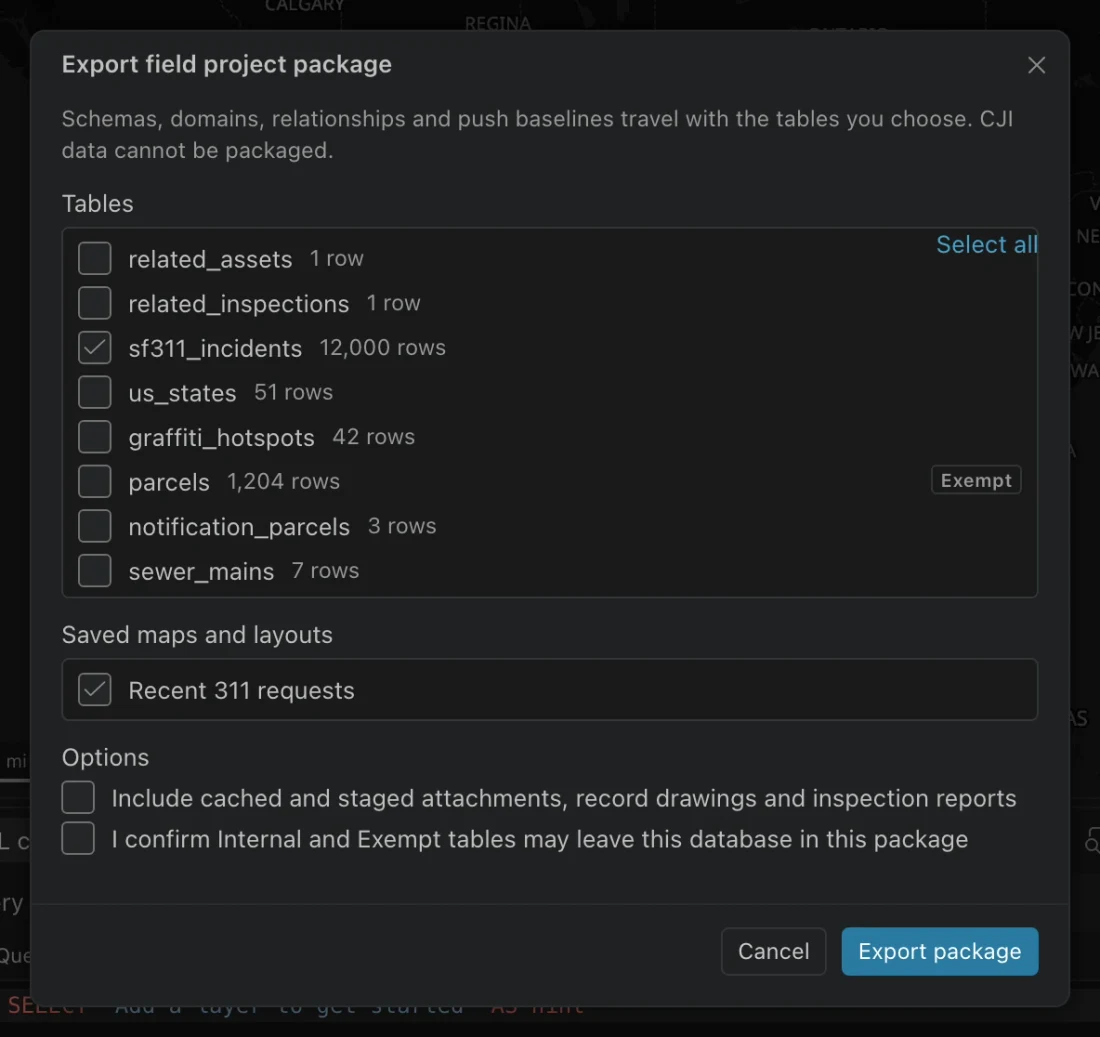
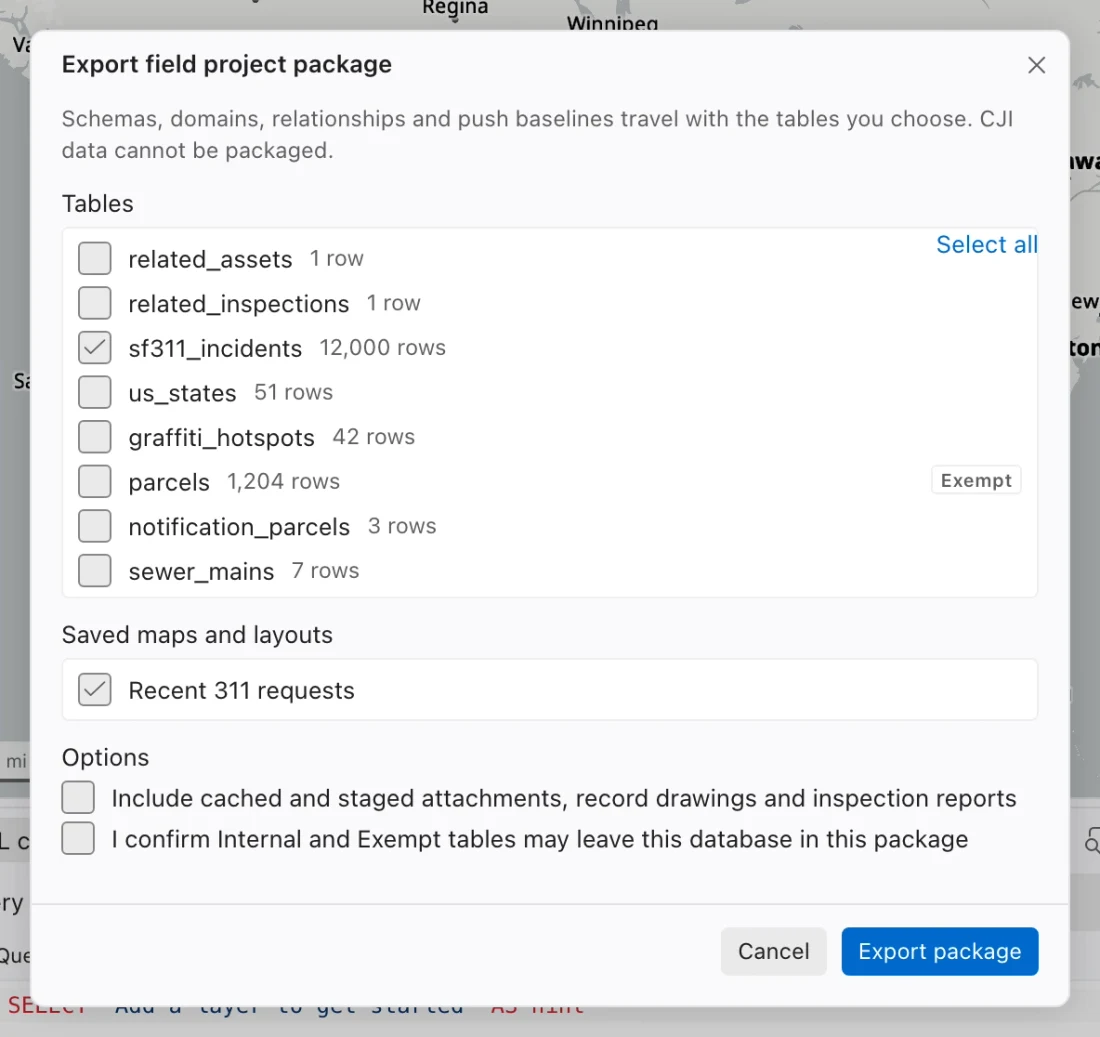
Packages preserve exact table schemas, ArcGIS domains and subtypes, source identities, coordinate systems, change baselines, and relationships between included tables. Selected maps retain layouts. Referenced local display files and the current local elevation model travel with them.
| Included when applicable | Omitted or conditional |
|---|---|
| Selected tables, provenance, source identities, and effective sensitivity tags | Unselected tables and relationships whose other endpoint is missing |
| Saved maps, layouts, and referenced local display assets | Remote services and uncached assets still need connectivity |
| Analysis coordinate system, custom definitions, and installed vertical conversion grids | Chats, credentials, refresh schedules, and push history are omitted |
| Cached and staged attachments and acceptance documents | Included only when you opt in and the associated feature is packaged |
The completeness report identifies gaps. A package is checksummed, not encrypted or digitally signed. Handle it according to the sensitivity of its contents and use an approved transfer method. The unpacked size limit is 20 GB.
Open a package
Section titled “Open a package”- Choose Open field project package, then Choose and verify package.
- Select the
.northingfile. Northing verifies checksums and rejects unsafe or undeclared contents before creating a database. - Review completeness and enter New database name.
- Choose Create and open new database. Check the tables, maps, and required offline assets before leaving connectivity behind.
- Sign in separately when you need secured services. Credentials are never carried in the package.
Opening always creates a separate database; it never overwrites an existing one. A restored change baseline does not bypass push review or checks against the current server.
Packaging is refused while the workspace has active pushes, unresolved sent batches, unfinished branch saves or reconciliation sessions, or uncertain attachment uploads. Finish recovery for those operations first. The refusal preserves the source’s recovery records.
Review as-built features
Section titled “Review as-built features”Use Review as-built acceptance for contractor submittals imported from CAD drawings. The acceptance workspace connects the drawing revision and checksum, placement and control points, field mapping, quality results, supporting files, and feature decisions.
- Open the submittal in As-built acceptance and set its Revision before reviewing features.
- Run and save quality checks, then review the findings, recorded placement, and field mapping.
- Add supporting record drawings or inspection reports. Record the Reviewer, Decision, and Note for each feature.
- Explain rejected or revision-needed decisions, and explain any accepted quality-check findings. Save the decisions.
- Open push review for the accepted features. After sending, retain the receipts and use Save printable acceptance report for an HTML report you can open and print in a browser.
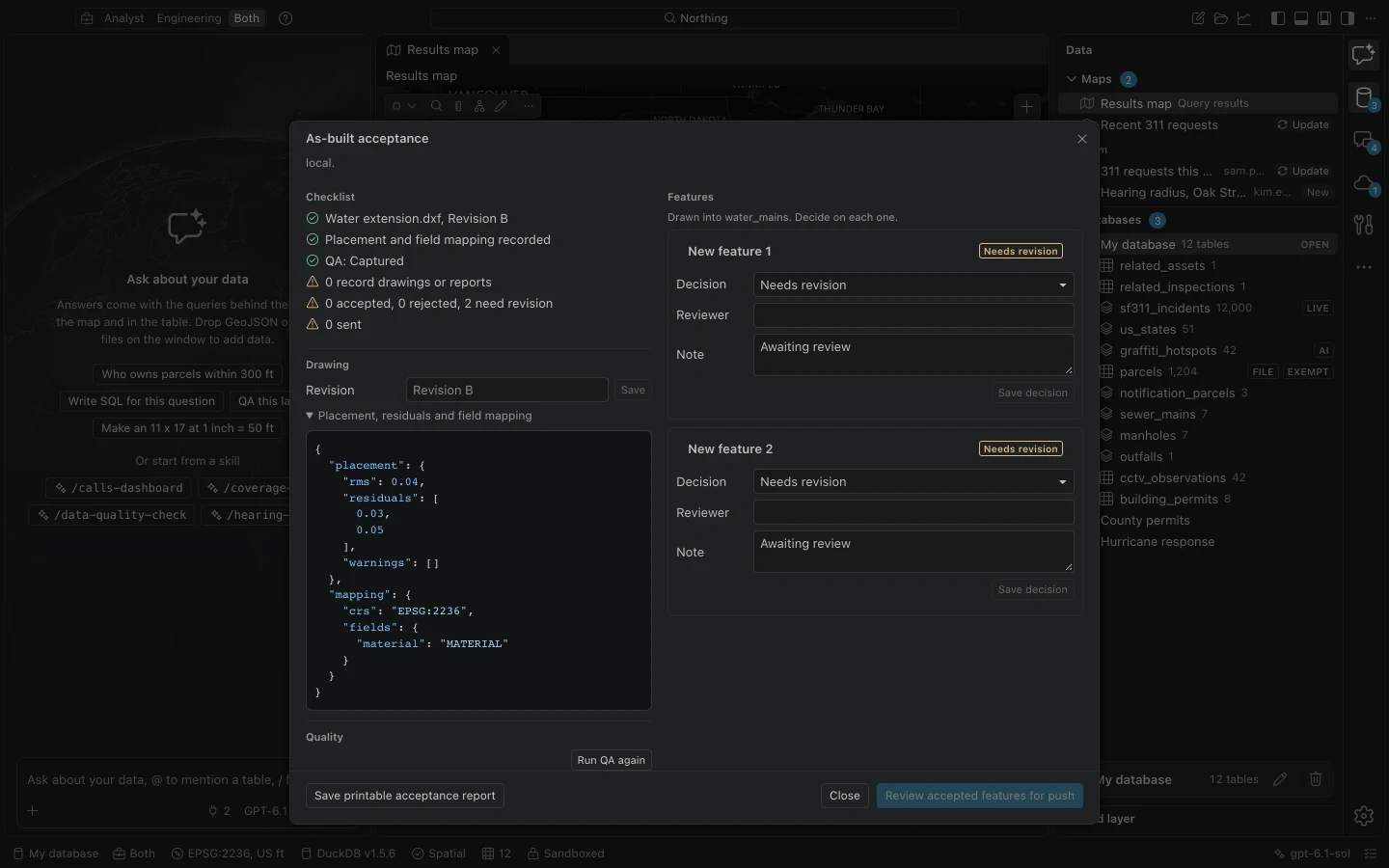
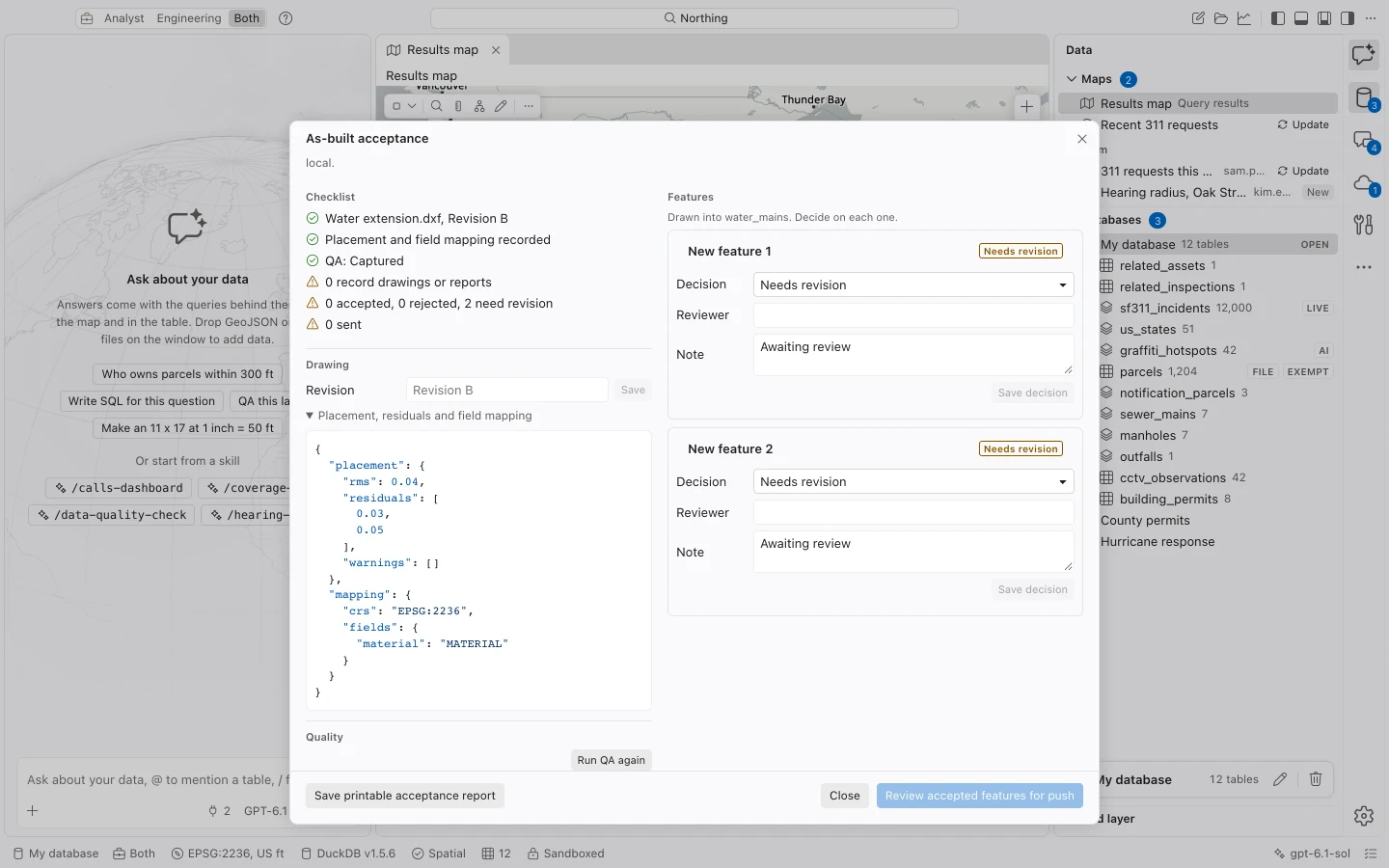
Acceptance applies to the reviewed feature values and geometry. If you edit an accepted feature, run quality checks and review it again. Only accepted features enter push review, and acceptance is checked again before sending. Whole-table publication and published-layer updates refuse tables containing unaccepted as-built features.
Photos and documents can be staged offline against a new tracked local feature. They upload only after the server confirms the new feature and returns its ID. Uncertain uploads retain their history for recovery. For branch versions, Northing updates acceptance and attachment links only after the server confirms the version was saved.