
AI records and sensitivity
Northing keeps a local record of model requests and their outcomes across all workspace databases on a computer. Use AI records to inspect those records, classify chats, export a review set, and manage retention under your organization’s records policy.
Search and export records
Section titled “Search and export records”- Open Settings > AI records and inspect Integrity before exporting.
- Under Search the records, set From, To, User, Chat, or Words, then choose Search.
- Open matching records to inspect their details. Check the database, account, provider, and time as well as the prompt and answer.
- Choose CSV, JSON, or PDF to export the filtered set.
- Retain the export’s filter description, integrity result, and Head fingerprint with the exported records.
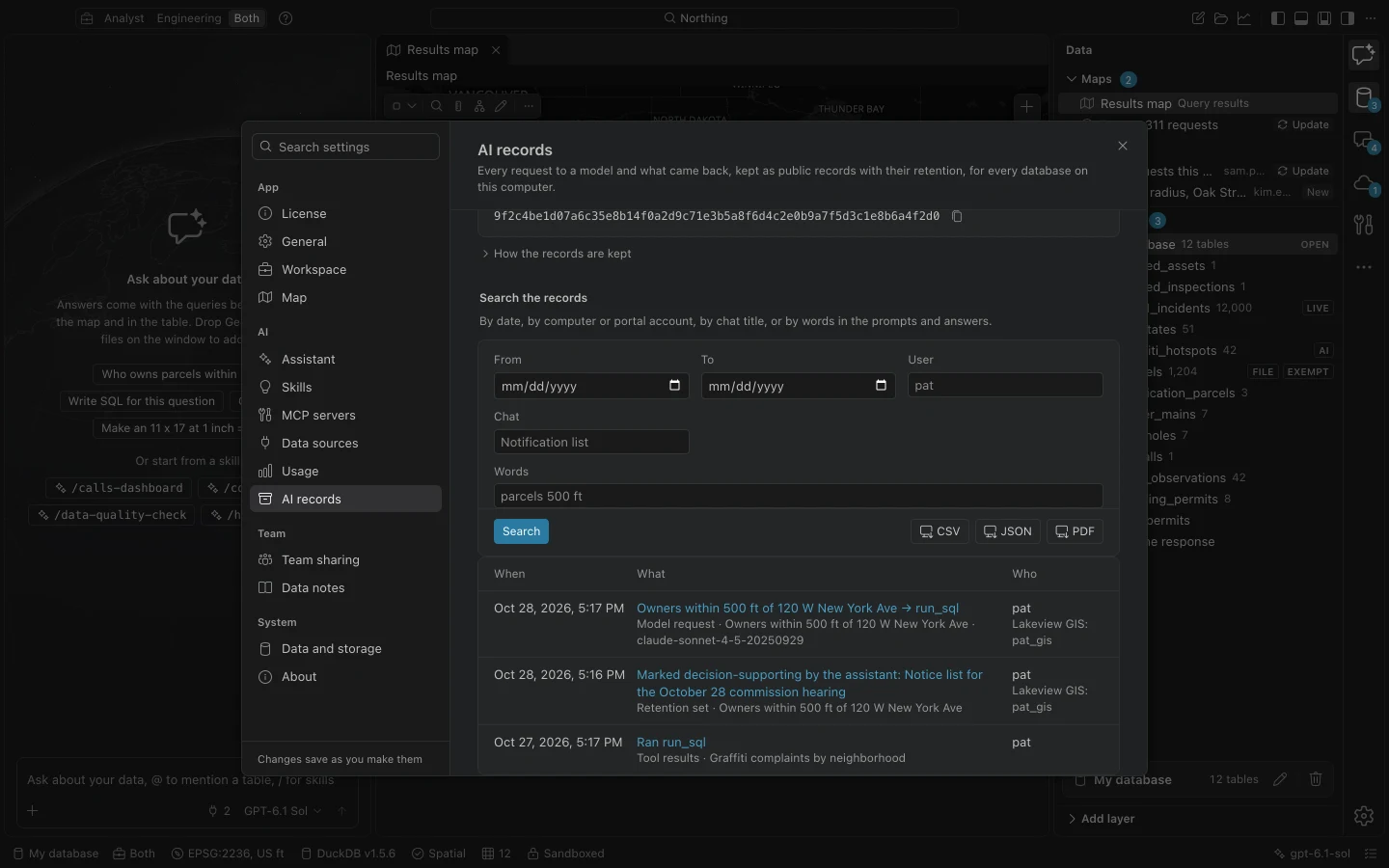
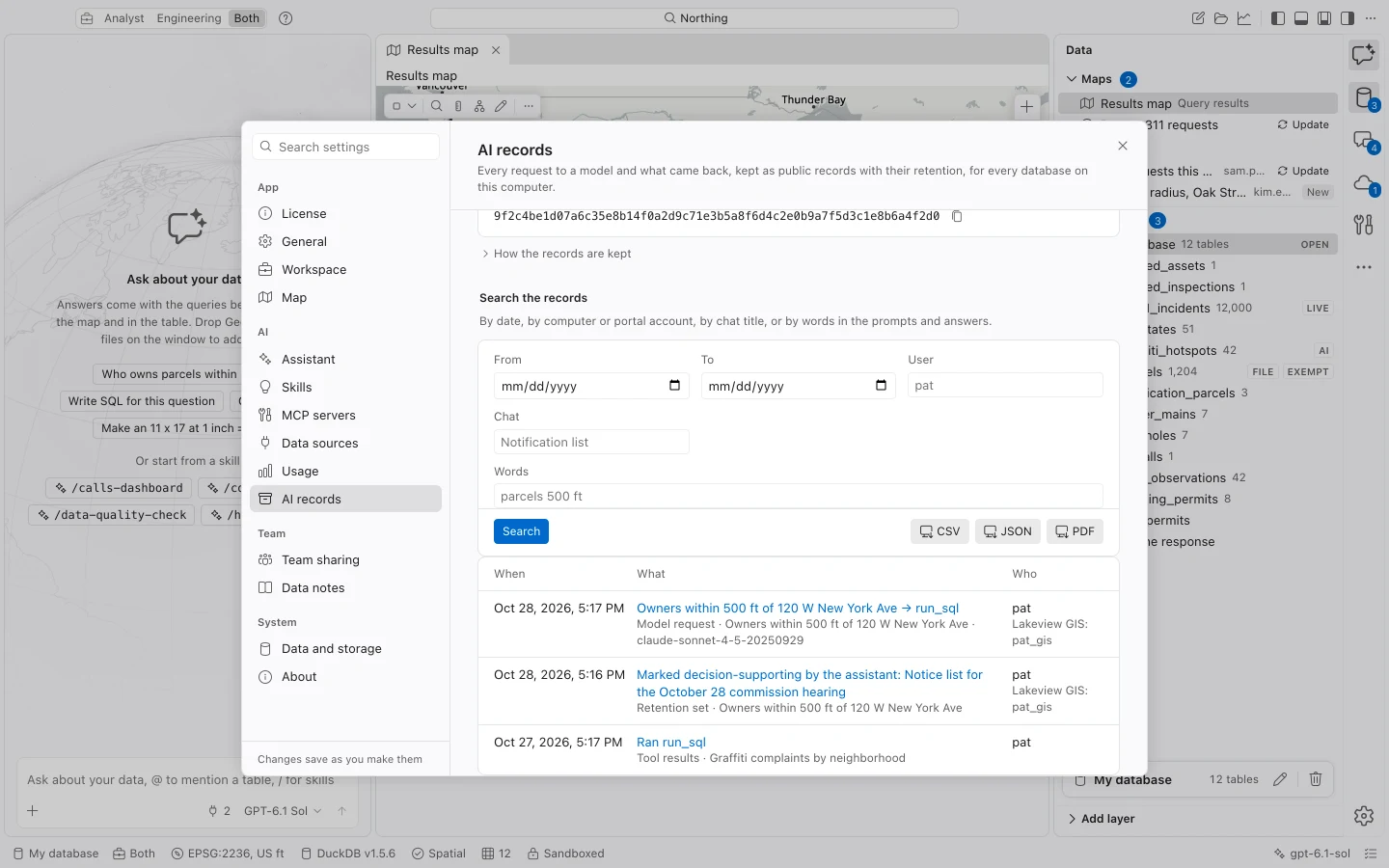
The log includes user prompts and supplied context, responses and tool calls, provider and model details, endpoint host, computer and portal accounts, time, and the tables and hosts touched by tools. It records whether values were withheld and outcomes such as saving a table, publishing, pushing, or exporting.
The system prompt is identified by its SHA-256 fingerprint, with its text recorded once. Each appended record includes the preceding record’s fingerprint. Integrity checking can detect modification, removal, or reordering in the chain. Keep the exported fingerprint as evidence of the state you reviewed.
Retention and holds
Section titled “Retention and holds”| Chat classification | Default retention |
|---|---|
| Transitory | 90 days |
| Working drafts | 365 days |
| Decision-supporting | 1,825 days |
Have your records custodian set a schedule that meets your organization’s retention requirements. IT can impose minimums through policy, and you cannot lower them in Settings.
New chats default to working drafts. Classify a chat in the Chats section or through the command center. When you tell the assistant that work supports a decision, it can classify that chat as decision-supporting.
Records are never deleted automatically. Delete records past retention is an explicit custodian action and retains fingerprints and a deletion record. Hold every record or an IT policy hold prevents deletion. A policy hold must be removed by IT.
The log lives at ai-records/records.jsonl under application data and covers all databases on that installation. Deleting a chat or database, or restoring a backup, does not delete the records. Include this separate location in your records and backup planning.
Set a table’s sensitivity
Section titled “Set a table’s sensitivity”Use Set the sensitivity tag from a table’s actions in Data, or configure rules by table name and source URL in policy. Derived tables inherit the strictest classification of their inputs. You can choose a stricter classification than an IT rule requires, but you cannot lower it.
| Tag | Model and sharing behavior |
|---|---|
| Public | Eligible for ordinary model access and public sharing, subject to other settings and permissions. |
| Internal | Cannot be published or shared with Everyone, or pushed to an Everyone-shared layer. Model row access remains possible unless schema-only rules apply. |
| Exempt | Row values are withheld from models. Public sharing and pushes to public layers are blocked. |
| CJI | Hidden from endpoints not designated CJIS-capable by IT. Even at designated endpoints, row values remain withheld. Public sharing is blocked. |
Exempt and CJI safeguards cover tool results that could reveal values, including errors, clicked-feature attributes, and stored result context when a chat is reopened. Schema, types, and permitted whole-table counts can remain available. Earlier prose already written by the assistant is not erased by applying a new tag.
Choose tags according to your organization’s classification and disclosure rules before sending a request. Then review the resulting records according to agency practice.
Restrict what the model receives
Section titled “Restrict what the model receives”Enable Schema only under Settings > Assistant, or enforce ai.schemaOnly in policy, to withhold row values for every table. This is separate from choosing the provider. A hosted provider receives permitted request context; a supported local provider runs on a loopback endpoint.
IT can allow providers and pin their approved endpoints. A CJIS-capable declaration requires a nonempty endpoint list and the organization’s own approval of that environment. Selecting Azure Government or GovCloud alone does not supply that approval.
If Integrity reports Does not check out, retain the log and report the finding before performing retention deletion. If a provider or table is unavailable, inspect policy problems and sensitivity rules. Invalid policy settings can restrict model access or prevent records deletion; see Policy file for troubleshooting.